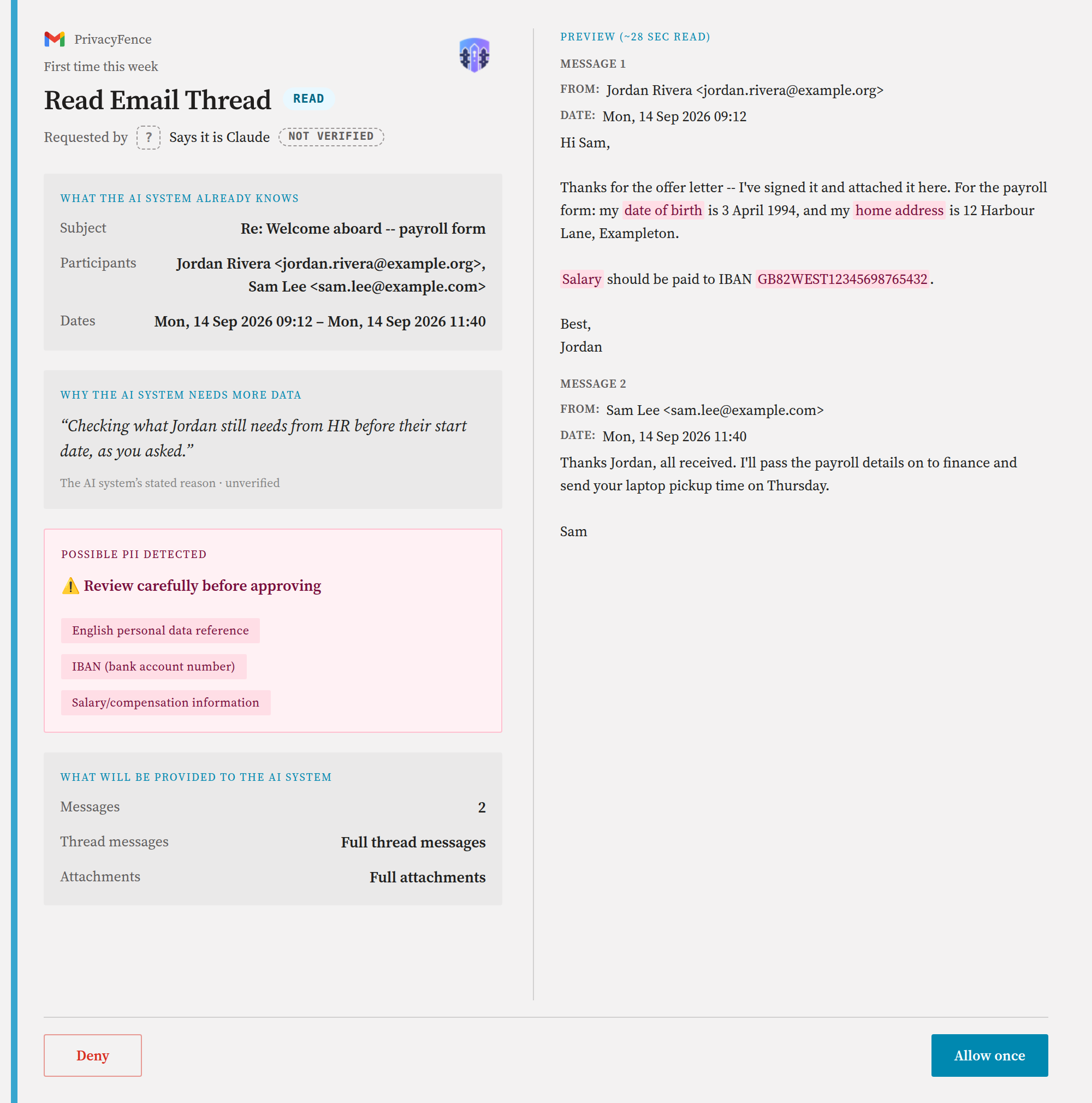
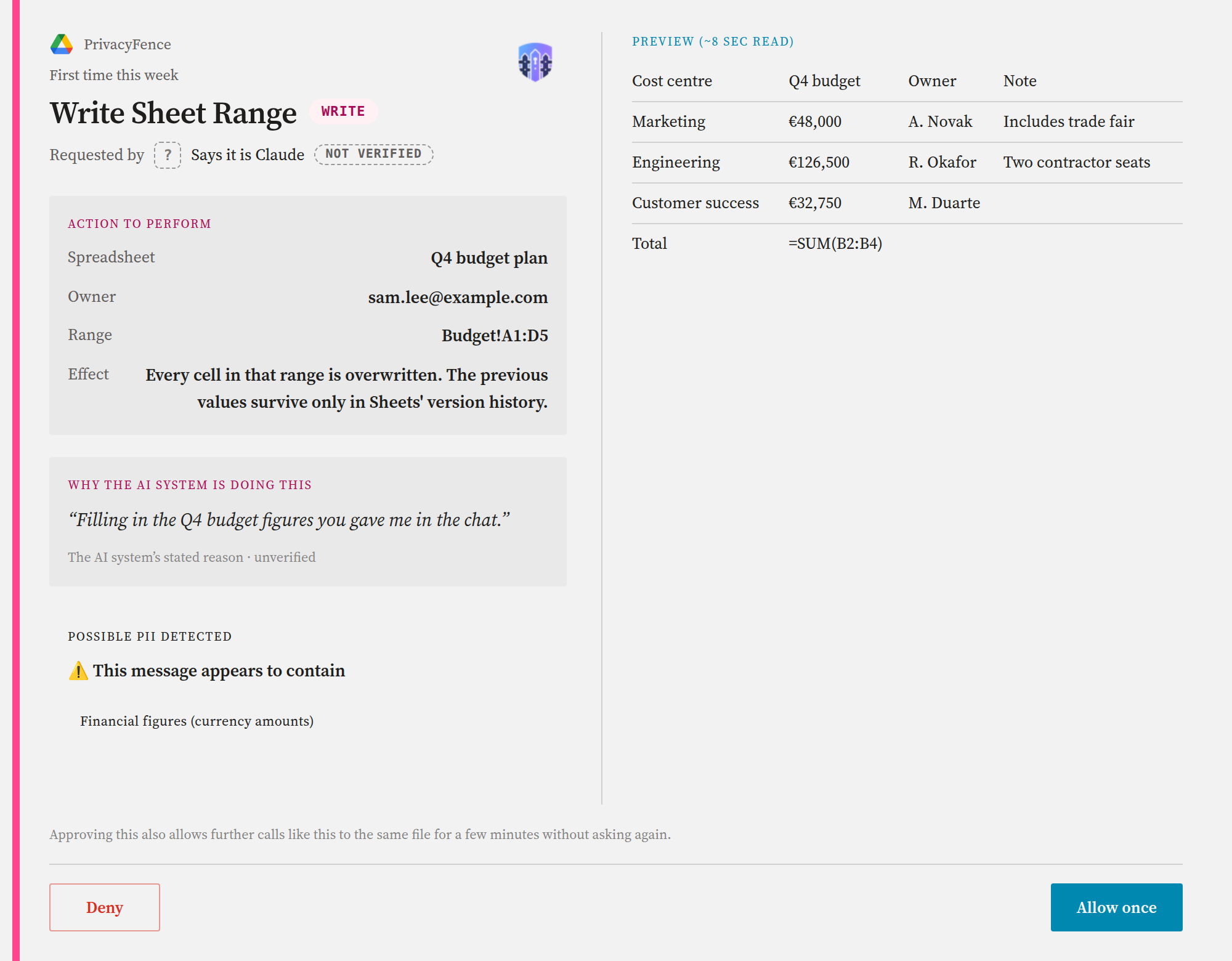
Before a reviewed read reaches its card, PrivacyFence scans the content locally for likely personal data in English, German and Hungarian: IBANs, card numbers, ID and tax numbers, salary information and similar. What it scans for each Google connector:
- Gmail: the message body, every body in a thread. The From, To, Subject and Date headers are not scanned.
- Drive: a document's text, all of what the assistant would receive (at most 100 KB), and the first 50 rows of a sheet read.
- Calendar: the event description.
- Attachments, downloads and uploads: the text PrivacyFence can extract, up to 20,000 characters. Files over 5 MB are not scanned, and images are not read.
A match sends the read to a card even when an always-allow rule covers it, highlights what was found, and asks for a second confirmation. The audit log records the category, never the matched text. Writes are not held by the check, except a Drive upload, which may be a file the assistant never read.
The privacy filter, separately, decides what may leave PrivacyFence at all. Out of the box it blocks Gmail attachments and the notes on contacts and tasks until you allow them in Settings → Privacy Filter.